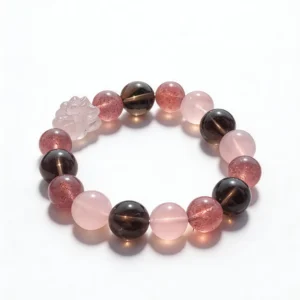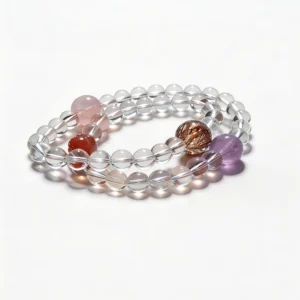

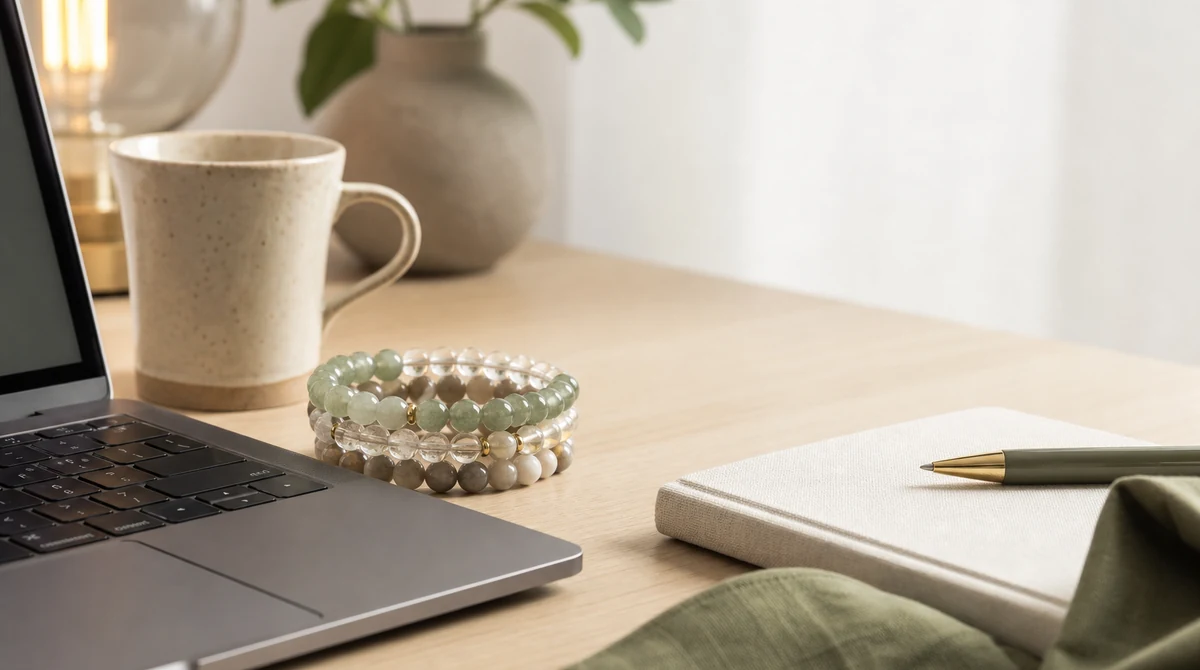
A bracelet worn across phones, tablets, laptops, and shared desks needs more than an attractive product photograph. Device edges, touch surfaces, camera framing, charging cables, and travel storage all change how a strand sits and what it may contact. Use measurements, ordinary-light photographs, construction details, and a repeatable handling plan to compare designs for a mobile digital routine.
Map Each Device and Hand Position
List the devices used during a normal day and note which hand holds or operates each one. Include a phone, tablet, laptop, external keyboard, mouse, stylus, camera, controller, and any shared equipment. The same bracelet can sit differently while a wrist turns from a keyboard to a vertical phone.
Observe where the strand moves during tapping, swiping, scrolling, typing, and carrying. Record contact with a laptop palm rest, tablet bezel, phone case, desk edge, or stand. This device map gives bead size and hardware comparisons a practical reference.
Measure Bead Scale for Touch Surfaces
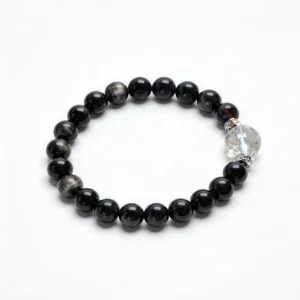
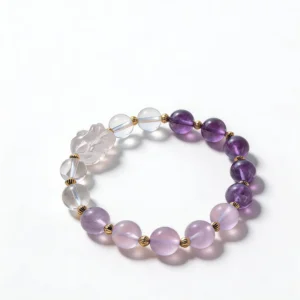
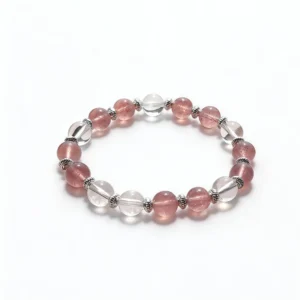
Bead diameter determines how far a strand projects from the wrist. Compare stated 6 mm, 8 mm, 10 mm, and 12 mm measurements instead of estimating from enlarged photographs. Carved beads, faceted shapes, and raised spacers may occupy more clearance than round beads of a similar listed diameter.
Check how the bracelet moves when the wrist bends toward a touch screen or trackpad. A loose strand may rotate under the hand, while a very close fit may press against the wrist during movement. Follow the seller’s measurement method and use the QZZEN size guide as a consistent reference.
Check Phone, Tablet, and Laptop Edges
Cases, hinges, vents, keyboard housings, and metal or glass edges create different contact points. Test each usual position with an existing bracelet or soft sizing band before selecting a new design. Note whether beads touch a surface occasionally or repeat the same movement with every gesture.
Remove the bracelet when repeated hard contact cannot be avoided. Do not rest loose jewelry on a screen, keyboard, closed laptop, or charging surface. A lined tray or pouch provides a defined temporary location without placing hard components against the device.
Review Appearance in Video Calls
Webcams and phone cameras can change apparent color, contrast, shine, and scale. Preview the wrist at the actual camera distance with the usual room lighting. Small beads may read as a narrow color line, while larger beads, reflective spacers, or moving charms may be more visible during hand gestures.
Choose camera visibility as a styling preference, not as material evidence. Automatic exposure, white-point adjustment, compression, and screen settings can alter a bracelet’s appearance. Compare material wording and ordinary-light listing photographs through the QZZEN crystal bracelet collection.
Keep Hardware Clear of Cables
Wired earbuds, headset leads, charging cords, lanyards, and adapter cables can cross the wrist path. Check whether charms, extension chains, clasps, or open rings can enter a loop. Route cables behind the device or through an appropriate holder when the setup permits.
Inspect connection points before putting the bracelet on. Look for gaps in jump rings, incomplete clasp closure, shifted crimps, exposed cord, fraying, or flattened elastic. Place a piece aside when a connection is loose or damaged rather than continuing to wear it around cables and controls.
Test Headphones, Sleeves, and Bag Straps
Over-ear headphones are often lifted with both hands, bringing wrist jewelry near hinges and cables. Sleeves and fitted cuffs can push a strand toward the hand. Backpack straps, tote handles, and luggage grips can press or pull moving hardware during a commute.
Practice putting on and removing these items over a clear, soft surface. Record which bracelet position avoids repeated catching. If a charm or clasp cannot remain clear, store the bracelet before handling the item and put it back on only after the movement is complete.
Use Neutral Light for Material Records
Monitor glow, colored room lighting, camera filters, and display profiles are unreliable references for hue or transparency. Photograph the complete strand in indirect ordinary light, then add close views of drill openings, surface details, spacers, clasps, and other connections. Keep the files with the order record.
Do not use screen color, image saturation, temperature at first touch, or apparent weight as proof of identity. Prefer exact seller wording for the material, processing, bead dimensions, hardware, and selected variant. Ask for missing facts before relying on a broad product label.
Create a Shared-Desk Storage Routine
A coworking table, library desk, airport seat, or borrowed office may not have a permanent jewelry tray. Carry a small lined pouch or rigid case with a closure. Assign it one accessible pocket so the bracelet does not end up beside keys, loose adapters, pens, or coins.
Count distinctive components before leaving a shared space and inspect the chair, floor, and cable area if anything is missing. Keep the pouch dry and out of direct heat. Separated storage limits rubbing between hard components and makes the next condition check easier.
Remove Jewelry Before Device Cleaning
Take the bracelet off before using screen wipes, sprays, compressed air, alcohol-based products, or other device-cleaning materials. Follow the equipment manufacturer’s directions and keep jewelry outside the cleaning area until surfaces and hands are dry.
For the bracelet itself, follow guidance for every component, including bead, coating, plating, adhesive, elastic, cord, and metal. Avoid soaking, abrasive pads, household mixtures, and unverified chemical methods. The most sensitive component should set the limit for the complete piece.
Run a Mobile-Work Closing Check
- Remove the bracelet over a clear, soft surface.
- Compare the complete strand with the arrival photograph.
- Inspect drill openings, cord exits, knots, clasps, rings, and charms.
- Check for residue and repeated contact marks under ordinary light.
- Confirm that each bead and hardware component remains present.
- Place the dry bracelet in its assigned pouch, tray, or box.
Add a dated photograph when a surface or connection changes. Stop using the piece if cord, elastic, clasp, ring, or other hardware shows visible damage, and keep the observation with the purchase information.
Keep a Device-to-Bracelet Checklist
- Exact material, processing, bead diameter, and selected variant
- Wrist measurement and the seller’s finished-size method
- Phone, tablet, laptop, trackpad, keyboard, and camera positions
- Charm, clasp, spacer, cable, sleeve, headphone, and strap clearance
- Ordinary-light full-strand and construction photographs
- Temporary storage location for travel and shared desks
- Arrival record and dated notes for later changes
Apply the same fields to every candidate in the QZZEN shop. A fixed worksheet keeps visual preferences, device compatibility, construction details, and storage requirements easy to compare.
Create With QZZEN
Preview a Bracelet Across Your Devices
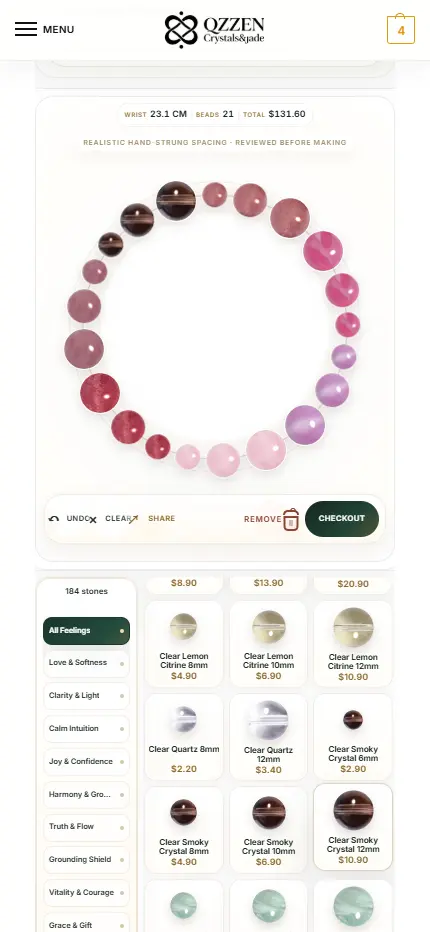
Use QZZEN Create to review the complete circular layout, bead sizes, color sequence, and wrist measurement. Compare the preview with your device map, camera preference, cable clearance, and mobile storage checklist before choosing the final design.